

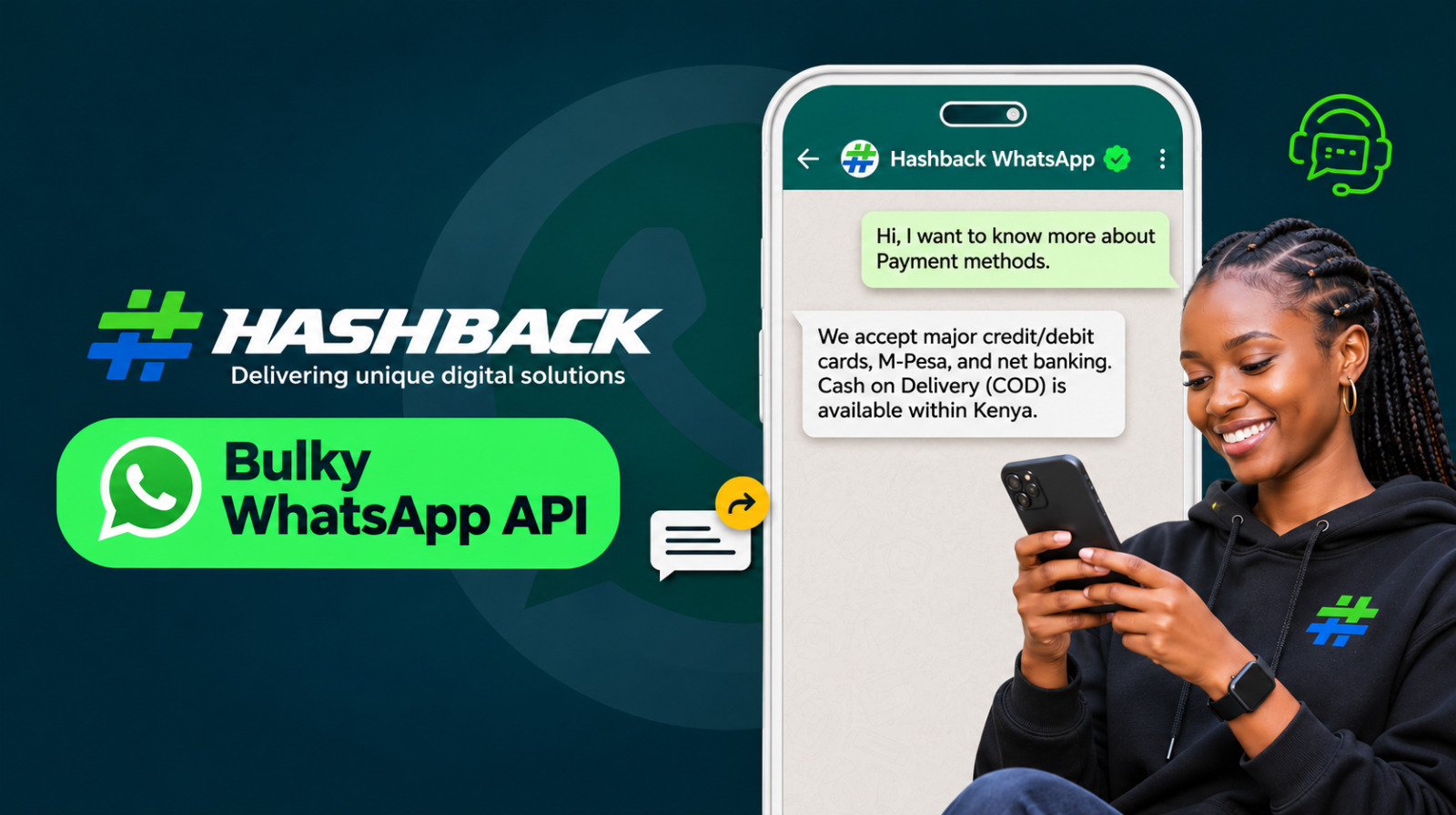
Your customers already live on WhatsApp. They read messages there faster than SMS, email or anything else. HashBack WhatsApp lets you reach them there — from your own WhatsApp number, through the same HashBack portal you use for SMS and payments.
This guide explains, in plain language, how to get started, what you can do with it, what it costs, the honest risks, and how we help keep your number safe.
What is HashBack WhatsApp?
It is a way to send WhatsApp messages to your customers from your computer, using the WhatsApp number your business already has. You link your number once by scanning a code with your phone — the same way you open WhatsApp Web. After that, you can:
- Send a message to one customer or to a whole list at once.
- Schedule messages to go out later, in Kenya time.
- Attach photos, videos, voice notes and documents like PDFs and Excel files.
- See whether each message was sent, delivered and read (the familiar ticks).
- Let your own website or app send login codes and alerts automatically.
- Use the Status Manager to view and save your contacts' statuses.
- Switch on a helper bot for your number and your groups.
Your phone keeps working as normal. You can still chat on it while HashBack sends messages in the background.
How to join
If you are new to HashBack
- Go to hashback.co.ke/signup/hashwhatsapp. WhatsApp is already chosen for you.
- Enter your name, email and phone number.
- Type in the two short codes we send you — one to your email, one to your WhatsApp. This proves both are really yours.
- Choose a password. Your account is ready.
- Open Subscription, pick a plan and pay by M-Pesa.
- Open My WhatsApp Number, click Show QR code, then on your phone open WhatsApp → Linked devices → Link a device and point it at the screen.
That's it — you can send your first message straight away.
If you already have a HashBack account
- Log in and open this link (or choose Select Product in the menu).
- HashBack WhatsApp is ticked next to the products you already use. Click Continue.
- Open Subscription and pick a plan. You can pay from your HashBack wallet — it is instant — or by M-Pesa.
- Open My WhatsApp Number and scan the QR code as above.
Used our old WhatsApp portal (hashwa.hashback.co.ke)? It closes on 31 December 2026. Numbers do not move across on their own, so please link your number again in the new portal using the steps above.
Sending to many customers from the portal
Open Compose and:
- Choose one person or A list of numbers.
- Paste your customers' numbers — one per line. Always include the country code, for example 254712345678 for a Kenyan number. The page tells you right away if a number is missing.
- Write your message. You can use *bold* and _italic_ just like in WhatsApp, and you see a preview as you type.
- Attach a photo or document if you need to.
- Choose Send now or Schedule and pick a date and time.
Messages to five people or fewer go out instantly. Bigger lists go out a few seconds apart — on purpose, to protect your number (more on that below). Everything you send appears in Messages with its ticks.
Sending from your own website or app
If you have a website, shop or app, it can send WhatsApp messages on its own, with no one pressing a button. Your developer connects it to HashBack using the same key you already use for HashBack SMS. Popular uses:
| What | Example |
|---|---|
| Sign-up and login codes | "Your login code is 731 004. It expires in 5 minutes." |
| Payment receipts | "✅ We received KES 2,500 from Jane. Thank you!" |
| Order and delivery updates | "📦 Order #2041 is on its way — arriving in about 40 minutes." |
| Reminders | "Reminder: your appointment is tomorrow at 10:00." |
These important one-to-one messages skip the queue and are sent immediately. Your system is told right away whether the message went through — and if the customer is not on WhatsApp, so you can send an SMS instead.
The helper bot
You can switch on a bot for your number from the Bot page. It replies to short commands that start with a full stop — try sending .menu to yourself. Things people use it for:
- Running WhatsApp groups: remove spam links, welcome new members, warn or remove people who break the rules, mention everyone at once.
- Calls: politely reject calls and send a "please text instead" message.
- Statuses: automatically view your contacts' statuses, and (if you choose) like them.
- Fun and handy tools: turn photos into stickers, translate text, turn text into a voice note, quick quizzes and games for your group.
The bot is off until you switch it on, and in private mode, only you can use it.
Pricing
| Plan | Price | Works out to |
|---|---|---|
| Monthly | KES 200 | KES 200 / month |
| 3 months | KES 500 | about KES 167 / month |
| 6 months | KES 1,000 | about KES 167 / month |
| Annual | KES 2,000 | about KES 167 / month |
Pay by M-Pesa or from your HashBack wallet. If you upgrade to a longer plan, the days you have left are added on — you never lose time you paid for.
Why a flat monthly fee instead of paying per message?
- Your messages leave from your own number. WhatsApp does not charge per message on a normal number, so there is nothing for us to pass on per message. What we provide is keeping your number connected and working 24 hours a day — that is what the subscription pays for.
- You know your cost in advance. No topping up units, no counting messages, no surprise bills after a busy month.
- It is cheaper for most businesses. Even at a few cents per message, a business sending a few dozen messages a day would pay more than KES 200 a month.
- It encourages good habits. Pay-per-message pricing pushes people to blast huge lists to "get their money's worth" — which is exactly what gets numbers blocked. A flat fee with safe daily limits keeps your number healthy.
The honest part: the risks
HashBack WhatsApp works the same way WhatsApp Web does on a computer. It is not an official WhatsApp business product, and we want you to know what that means before you rely on it:
- WhatsApp can restrict or block a number that it thinks is sending spam. This is the biggest risk, and it is mostly about how a number is used.
- The connection can occasionally drop — for example, if your phone is off or offline for many days, or WhatsApp logs out linked devices. You then simply scan the QR code again.
- WhatsApp can change things on its side. Some features may stop working until we update. (For example, WhatsApp does not let linked devices open "view once" photos, so we do not offer that.)
- It is not a fit for very large marketing blasts to people who never asked to hear from you.
How we help protect your number
We built HashBack WhatsApp to behave like a careful person, not a spam machine:
- Safe pace: larger sends go out a few seconds apart, about 8 per minute per number — never all at once.
- Daily limit: each number sends up to 300 messages a day, a level normal businesses rarely reach.
- Checks first: we check that each number is actually on WhatsApp before sending, so you are not firing messages into the void.
- Automatic STOP: if a customer replies STOP, they are never messaged from your account again.
- Limits on codes: no more than 5 codes to the same person in 10 minutes, so a bug in your app cannot flood someone.
- Correct numbers only: every number must include its country code, so messages never land on a stranger abroad by mistake.
What you can do to stay safe
- Message people who know you — customers, members, people who asked for updates.
- Ask customers to save your number. Saved numbers are trusted more.
- Use a number that has been active for a while, not a brand-new SIM. If you are just starting, send small amounts at first and grow slowly.
- Make messages personal and useful. Use the customer's name and avoid sending the same link to hundreds of strangers.
- Tell people they can reply STOP to opt out.
- For codes and alerts that must arrive, keep SMS as a backup. HashBack SMS works from the same account.
Need help?
- WhatsApp us on +254 796 515 103
- Email hashbacksolutions@gmail.com
- Join our community group
- Product page: hashback.co.ke/hashwhatsapp
Ready to start? Create your account — or, if you already have one, add WhatsApp in one click.